
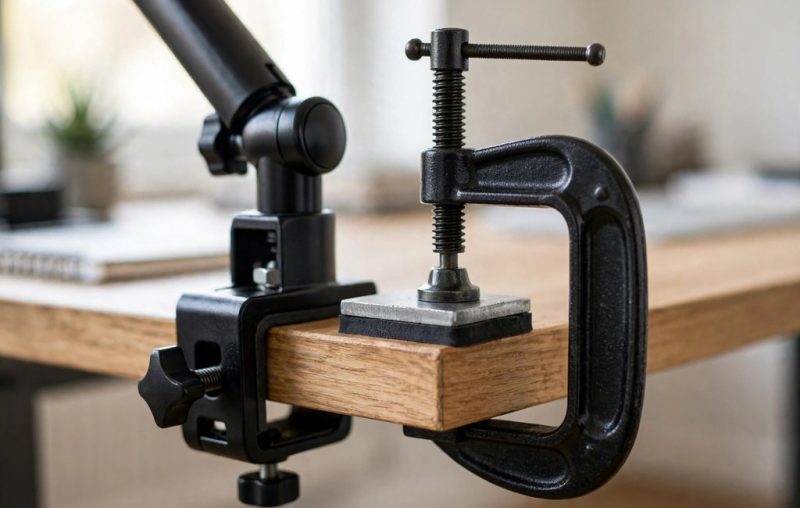
You can prevent desks cracking under clamp pressure by spreading force over a wider area. A steel plate, soft pads, correct placement, and gentle tightening protect most desks. These steps work for wood, particleboard, MDF, and many other common desk materials.
Clamps fail desks because pressure concentrates on two tiny spots. For example, a monitor arm pulls down and forward while its clamp squeezes one edge. Next, soft cores crush, thin tops bow, and weak edges split. However, you can change that load path before you mount anything.
First, inspect your desk and learn its material and thickness. Then choose a plate and pads that match that surface. Finally, place the clamp near support and tighten it with care. A tidy setup also helps, so explore small office design ideas before you mount the arm.
Why Clamps Crack Desks
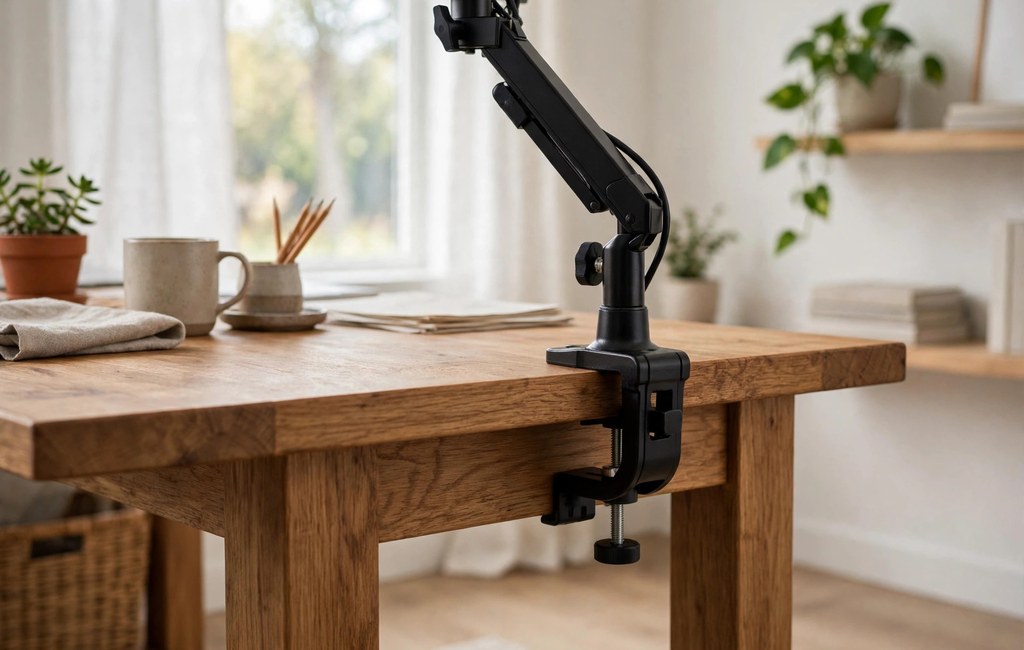
A C-clamp grips a desk edge from above and below. It presses hard on two small contact points, one on top and one underneath. Meanwhile, the arm and monitor create leverage that pulls the clamp forward and down. As a result, the edge carries far more stress than a flat object would.
Pressure equals force divided by area, so a small pad creates high pressure. For example, the same monitor weight feels far gentler when a wide plate spreads it. In contrast, a narrow jaw acts like a chisel on soft wood or a hollow core. Over time, that focused force dents the surface, crushes the core, or starts a hairline crack.
- Focused force: A narrow jaw concentrates the full load on a tiny area.
- Leverage: An extended arm pulls the clamp forward and multiplies stress.
Prevent Desks Cracking by Checking Desk Thickness First
Start with the underside, because the top can hide a weak core. Look under the desk for bracing, a solid slab, or a hollow frame. Tap the centre and the edge, then listen for a solid thud or a hollow drum sound. Also, check for a label or an unfinished edge that reveals the core.
Next, measure the edge thickness with a ruler or calipers. Solid hardwood needs at least 18 mm for a single monitor under 8 kg. For heavy or multi-monitor loads, use at least 25 mm of solid hardwood instead. Record your number, then compare it with the guidance below.
Plywood and solid-core composite need at least 20 mm for a light single monitor. For heavy loads, choose at least 28 mm and add a spreader plate. Particleboard and MDF need at least 25 mm for a light load. For a heavy load, use at least 38 mm.
Hollow-core desks need extra caution, because thin skins hide a cardboard or foam interior. A clamp will almost certainly crush that interior and fail. If your desk sounds hollow, do not clamp it without a large plate and a careful test.
Most clamps fit desks from about 0.5 to 3 inches thick. However, heavy-duty arms often need at least 0.8 inches to grip safely. If your desk falls below that range, add a plate or choose a different mount. Also, choose a mount rated for at least 1.5 times the combined weight of monitors plus arm.
- Particleboard or MDF: 25 mm for light loads, 38 mm for heavy loads, always with a plate.
- Hollow-core: Avoid clamping if possible, because the core crushes under pressure.
- Glass, stone, and marble: Never clamp these directly, because focused pressure can crack them.
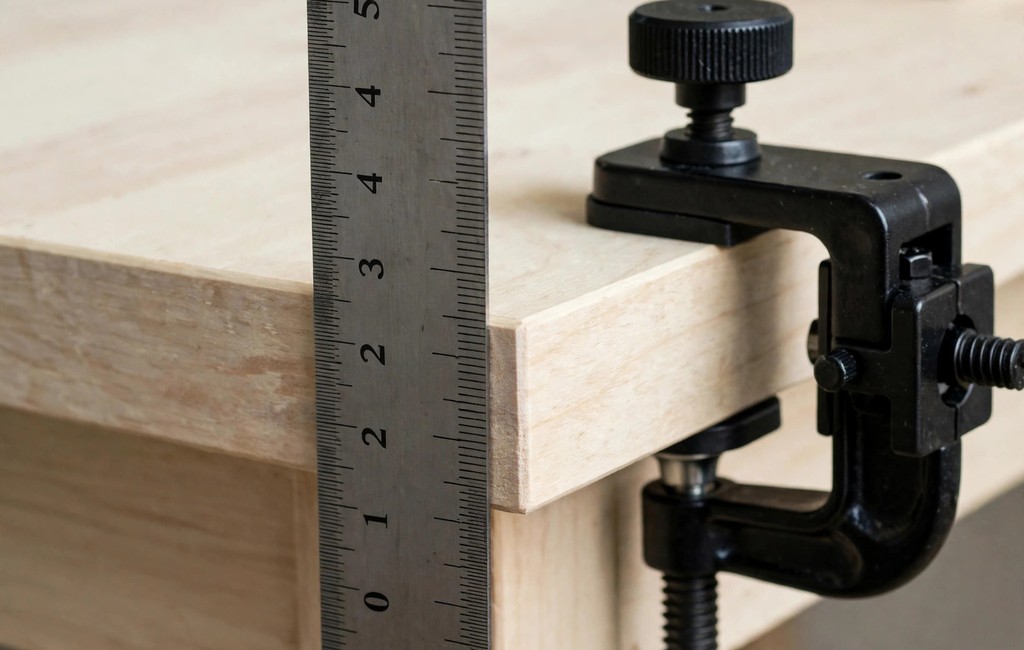
Prevent Desks Cracking With a Spreader Plate
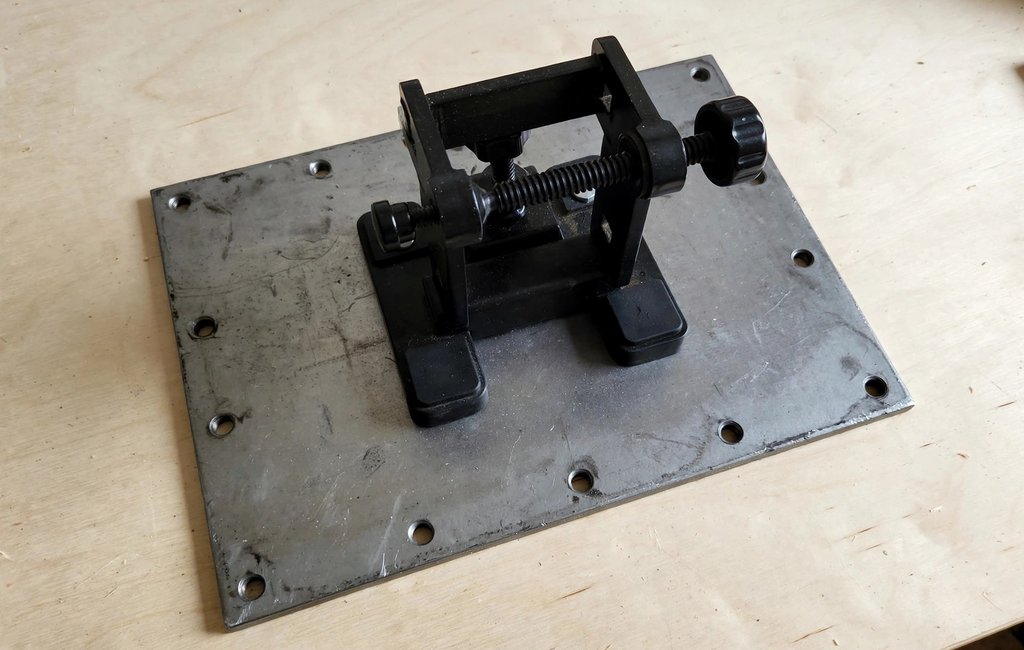
A spreader plate is a flat steel plate that sits between the clamp and the desk. It works by giving the clamp a much wider contact area. When the area grows, pressure per square inch drops sharply. As a result, the same monitor weight stops acting like a chisel.
Choose a plate larger than both clamp pads, top and bottom. Centre each plate directly over the clamping spot, so the full jaw sits on metal. If the plate is too small, the jaw edge can still bite the desk. Also, pick a stiff plate, because a thin flexible sheet will bend and pass pressure through.
Many monitor mounts include a plate in the box, so check your parts first. If yours lacks one, buy a generic steel plate for a few dollars. Look for thick gauge steel with a smooth face. Choose a size that covers the jaw plus extra margin.
Place one plate on top of the desk and one underneath, if your kit supplies two. Align both plates with each other, then set the clamp over them. Next, check that the plates sit flat, with no gap, tilt, or overhang past the edge.
- Size: Choose a plate larger than the clamp pads on both faces.
- Material: Use thick steel or rigid aluminium, never a soft plastic sheet.
- Position: Centre the plate over the clamp spot and keep it flat.
Prevent Desks Cracking With Protective Pads
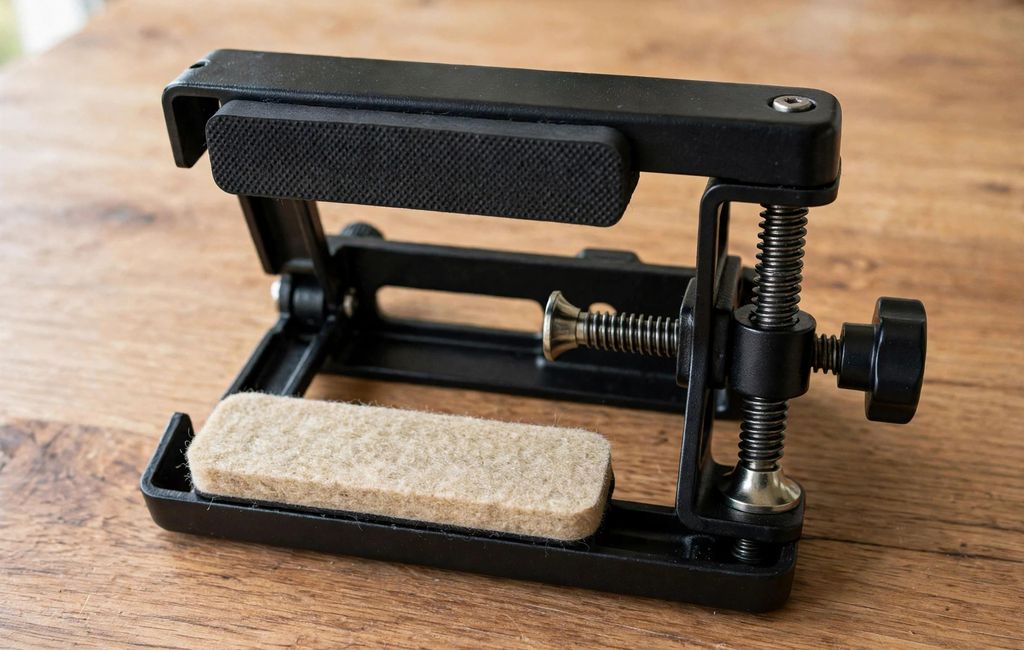
Pads protect the finish and raise friction at the same time. A rubber, felt, neoprene, or silicone pad sits between each jaw and the desk surface. It cushions the contact point and stops the metal jaw from scratching or biting the top. Also, the extra grip helps the clamp hold without extra force.
Check whether your mount already includes pads on its jaws. Many quality arms ship with rubber or felt pads fitted. If yours lacks them, add self-adhesive felt tape or thin neoprene strips cut to jaw size. For a stronger grip, use silicone pads, because they resist slipping and protect the finish well.
Soft pads also help you prevent scratches on hardwood and other wood surfaces daily.
Replace worn pads instead of tightening harder when the mount starts to slip. Old pads flatten, harden, or peel, so they lose grip and expose bare metal. First, remove the old pad and clean the jaw face. Then press a fresh pad into place and test the grip with gentle hand pressure.
For a beveled edge, use a thin hard rubber spacer to make a flat contact point. A flat spacer levels the surface and spreads the load evenly.
- Rubber pads: Add grip and cushioning for most wood and laminate desks.
- Silicone pads: Resist slipping and protect delicate surfaces well.
Place the Clamp to Prevent Desks Cracking
Location matters as much as the plate and pads. A clamp near a leg, a support rail, or an internal frame meets stronger material. In contrast, a clamp in the middle of a long unsupported span meets the weakest part. So choose the strongest spot you can reach without blocking your work.
First, look under the desk for bracing, a cross member, or a solid frame. Mark that solid area, then check the top face above it for a flat, clean surface. Next, move the clamp close to that support, while leaving room for the arm to swing freely. Finally, confirm the clamp sits square to the edge, not at an angle.
Avoid seams, joints, and edges where the material is weakest. Never place a clamp directly over a joint in the top or a seam in the veneer. Also, avoid a spot where the core changes, such as the edge of a hollow section. If you must use a weak area, add a larger plate and reduce the load first.
- Near a leg: Clamp close to a leg or frame for the strongest support.
- Away from seams: Avoid joints, veneer seams, and hollow sections.
Tighten Gently to Prevent Desks Cracking
Tightening decides whether a good setup stays safe or turns damaging. Over-tightening is the leading cause of desk deformation, dents, and cracks. It crushes soft cores, splits weak edges, and leaves a permanent mark. So treat firm as enough, and treat extra force as a warning sign.
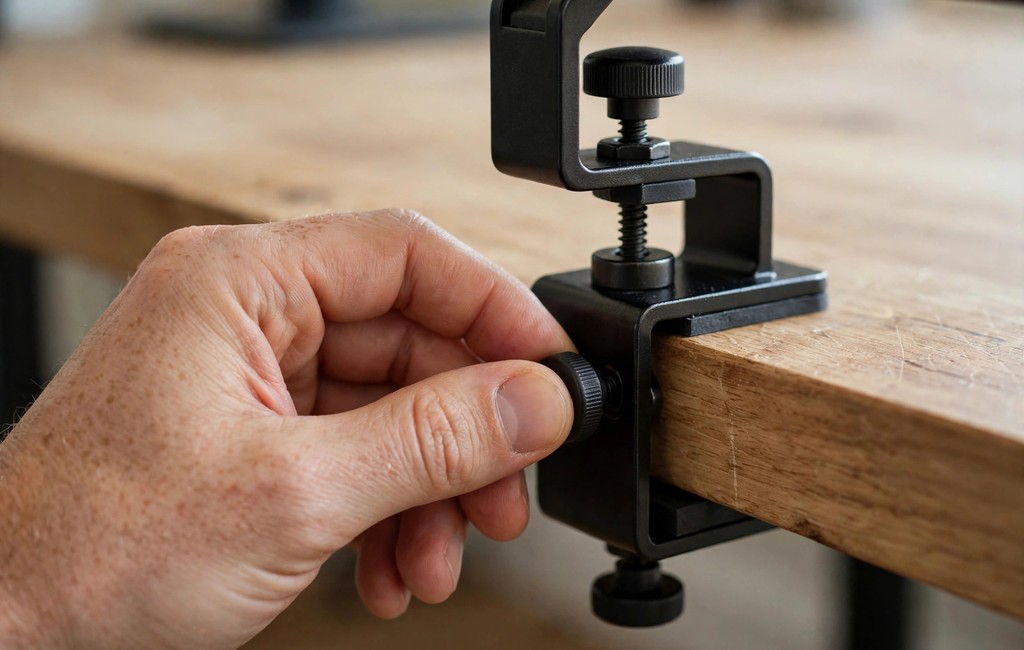
Start by hand-tightening the clamp bolt until the jaw meets the desk and the plate. Keep your hand on the bolt and feel the resistance build. Next, give it a small firm turn with a small wrench. Stop at about 70 to 80 percent of maximum force.
Test the mount by lifting slightly on the base, not by forcing it. A good clamp holds steady under a gentle lift and does not rock. If it slips, check the pads, the plate position, and the clamp location first. Then replace a worn pad or move the clamp to a stronger spot.
Stop at once if you hear a creak, see a dent, or feel the desk give. Those signs mean the surface is already under too much stress. Loosen the clamp, unload the monitor, and inspect the area for damage.
- Hand first: Hand-tighten the bolt until the jaw meets the desk.
- Firm, not forced: Stop at about 70 to 80 percent of maximum force.
- Test gently: Lift slightly on the base to check the grip.
When to Switch to a Grommet or Freestanding Mount
Some desks simply do not suit an edge clamp, even with a plate and pads. A hollow-core top, a very thin top, or a glass top falls into that group. If your desk crushes, bows, or cracks under a test fit, stop and choose a different mount. A safer mount protects both the desk and the monitor above it.
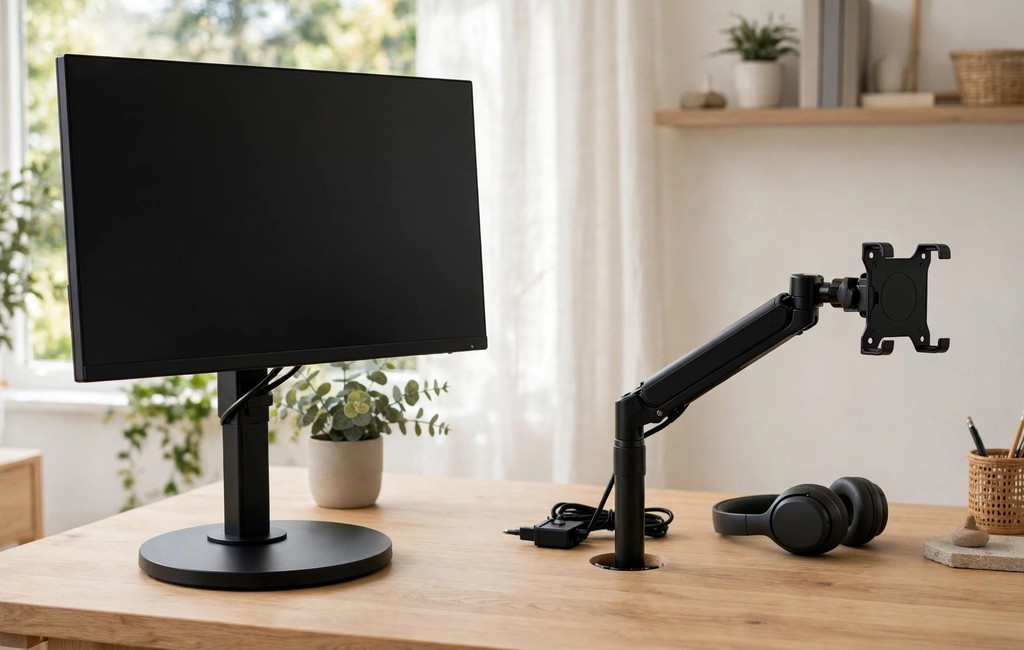
A grommet mount bolts through a hole in the desktop and tightens from below. It does not rely on edge clamping at all, so it avoids the concentrated edge load. Because the bolt passes through the top, the load spreads through the desktop in a different way. If your desk already has a cable hole, use that hole first.
If you need new tools, check a power tool buying guide before you buy a clamp.
A freestanding stand sits on the desktop on a weighted base and needs no clamping or drilling. It works well for glass, thin, or hollow-core desks that cannot take a clamp. Choose a base wide enough for your monitors, then place it near the back edge for balance. Also, keep cables tidy, so they do not pull the stand forward.
Switch early if you see bowing, a growing dent, or a hairline crack. Do not wait for the damage to spread, because a failed mount can drop a monitor. Unload the arm, remove the clamp, and inspect the desk in good light.
- Edge clamp: Best for thick solid tops with a plate and pads.
- Grommet mount: Best for solid tops with a cable hole or room for one.
- Freestanding stand: Best for glass, thin, hollow, or rented desks.
Frequently Asked Questions
Can a clamp crack a desk?
Yes, a clamp can crack a soft, thin, hollow, or glass desk edge.
What thickness is safe for a monitor mount?
Solid hardwood needs 18 mm for one light monitor, and particleboard needs 25 mm with a plate.
Do I need a reinforcement plate for my desk?
Yes, use a steel plate on particleboard, MDF, hollow-core, and thin desks to prevent desks cracking.
How tight should I tighten a monitor clamp?
Hand-tighten the clamp first, then firm it to about 70 to 80 percent of maximum force.
Can I clamp a monitor arm to a glass desk?
No, never clamp directly to glass, because concentrated pressure can crack or shatter the surface.
Conclusion
You can prevent desks cracking with a few careful steps before you mount a monitor. Spread the force with a steel plate and cushion the jaws with fresh pads. Then clamp near solid support. Then tighten gently, test the grip, and inspect the area often for early damage.
If your desk still shows stress, switch to a grommet mount or a freestanding stand. Choose the mount that fits your desk material and thickness, not the mount that looks easiest. Start today by checking your desk underside, measuring its thickness, and adding a plate and pads. If a crack still appears, learn how to repair wood frame damage before it spreads further.
